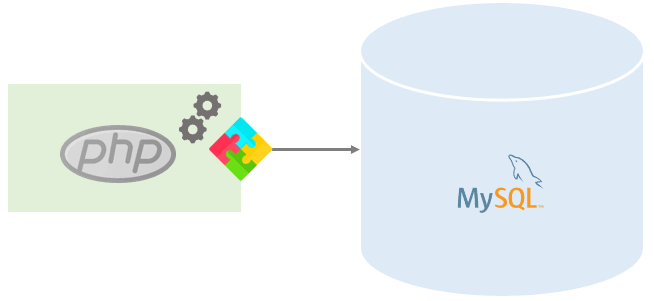
Conexão PHP + MySQL
Página de conexão
conn.php
<?php
$cx = mysqli_connect(“localhost”, “root”, “” );
$db = mysqli_select_db($cx, “db_agenda“);
Página de exibição dos dados
index.php
<?php
include_once “conn.php”;
$sqlBusca = mysqli_query($cx, “SELECT * FROM tb_tarefa“) or die(mysqli_error($cx));
$aux = mysqli_fetch_assoc($sqlBusca);
$total = mysqli_num_rows($sqlBusca);
?>
<!DOCTYPE html>
<html lang=”pt-br”>
<head>
<meta charset=”UTF-8″>
<meta name=”viewport” content=”width=device-width, initial-scale=1.0″>
<title>Agenda de contatos</title>
</head>
<body>
<?php
if ($total > 0) {
do {
?>
“Nome: ” <?= $aux[“txt_nome”] ?> <br>
<?php
} while ($aux = mysqli_fetch_assoc($sqlBusca));
}
?>
</body>
</html>
Layout com tabela
Entre as tags <BODY> e </BODY> altere para o seguinte código:
<body>
<table id=”tabela”>
<tr>
<td>ID</td>
<td>NOME</td>
<td>TELEFONE</td>
<td>HORA</td>
</tr>
<?php
if ($total > 0) {
do {
?>
<tr>
<td><?= $aux[“id_info”] ?> </td>
<td><?= $aux[“txt_nome”] ?> </td>
<td><?= $aux[“nm_telefone”] ?> </td>
<td><?= $aux[“dt_data”] ?> </td>
</tr>
<?php
} while ($aux = mysqli_fetch_assoc($sqlBusca));
} else { ?>
<tr>
<td colspan=”4″> Nenhum registro encontrado</td>
<?php
}
?>
</table>
</body>
Finalizando a página de exibição com CSS.
Após inserir a tag <link rel=”stylesheet” href=”style.css”> no cabeçalho crie o arquivo.
style.css
#tabela{
width: 100%;
background-color: wheat;
max-width: 800px;
text-align: center;
margin: 0 auto;
}
tr{
height: 30px;
}
tr:nth-child(even) {
background-color: #f2f2f2;
}








Publicar comentário